
Nira
A comic book and manga viewer for Linux and Windows that opens CBZ, CBR, PDF or a folder of images.
Features
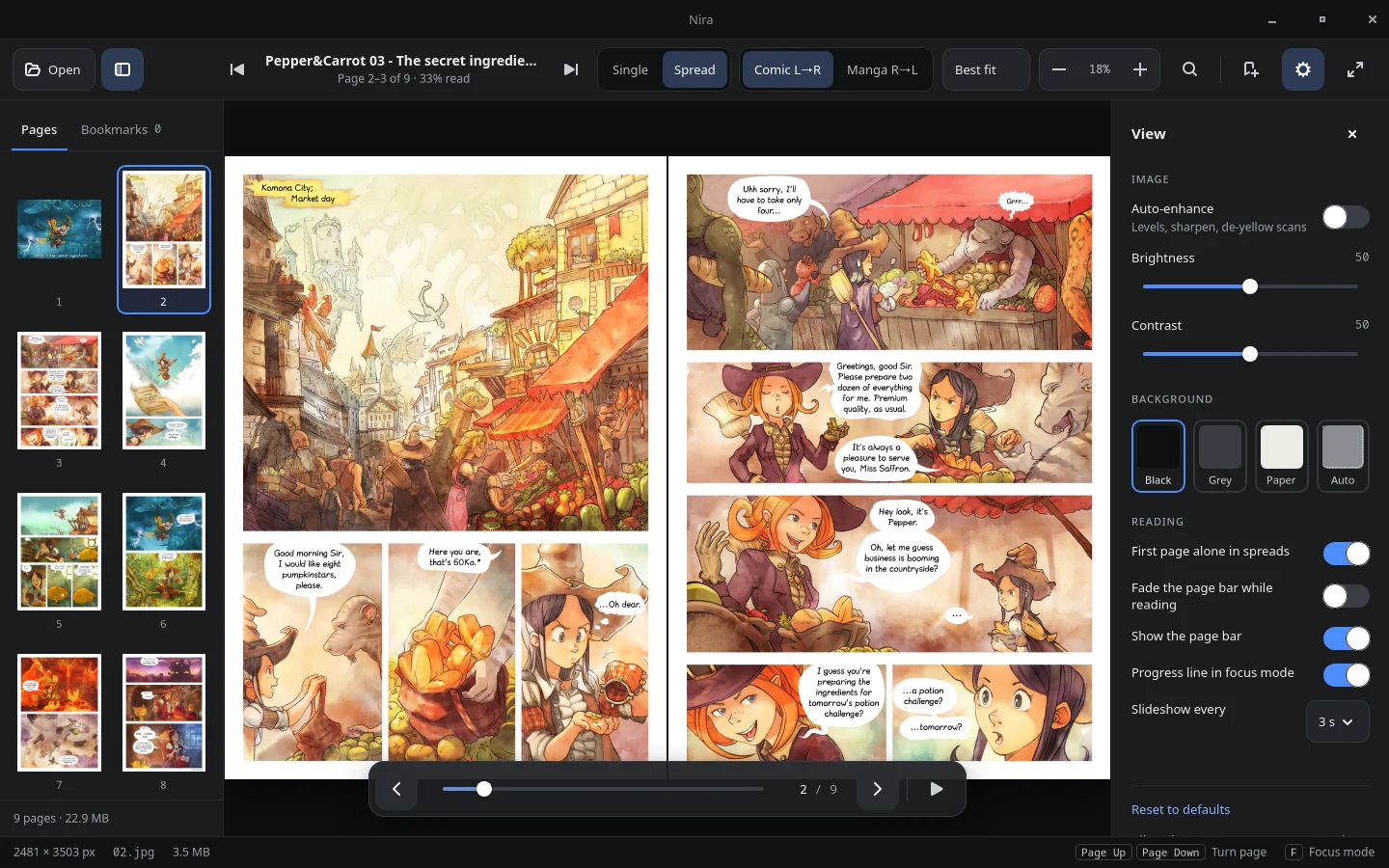
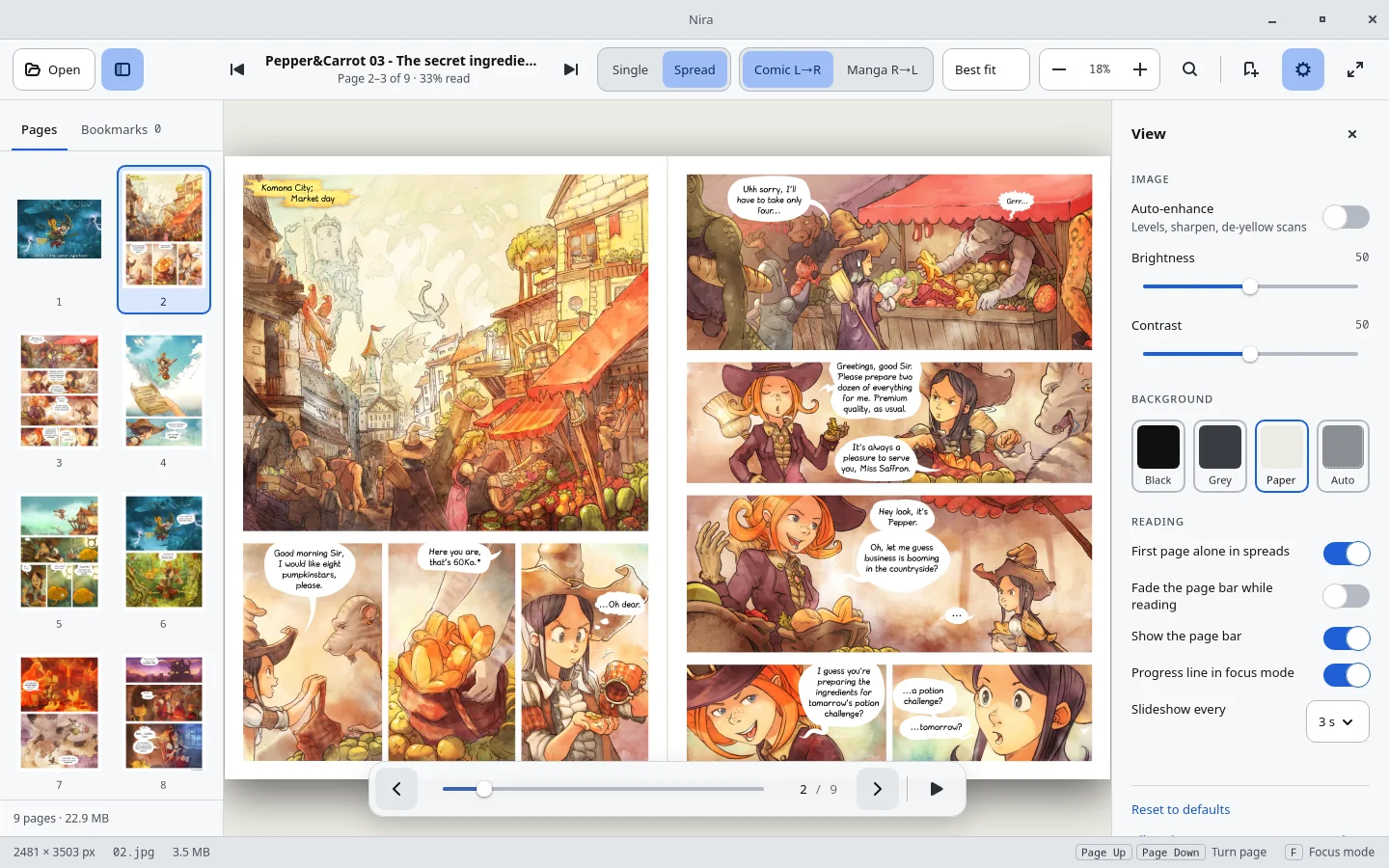
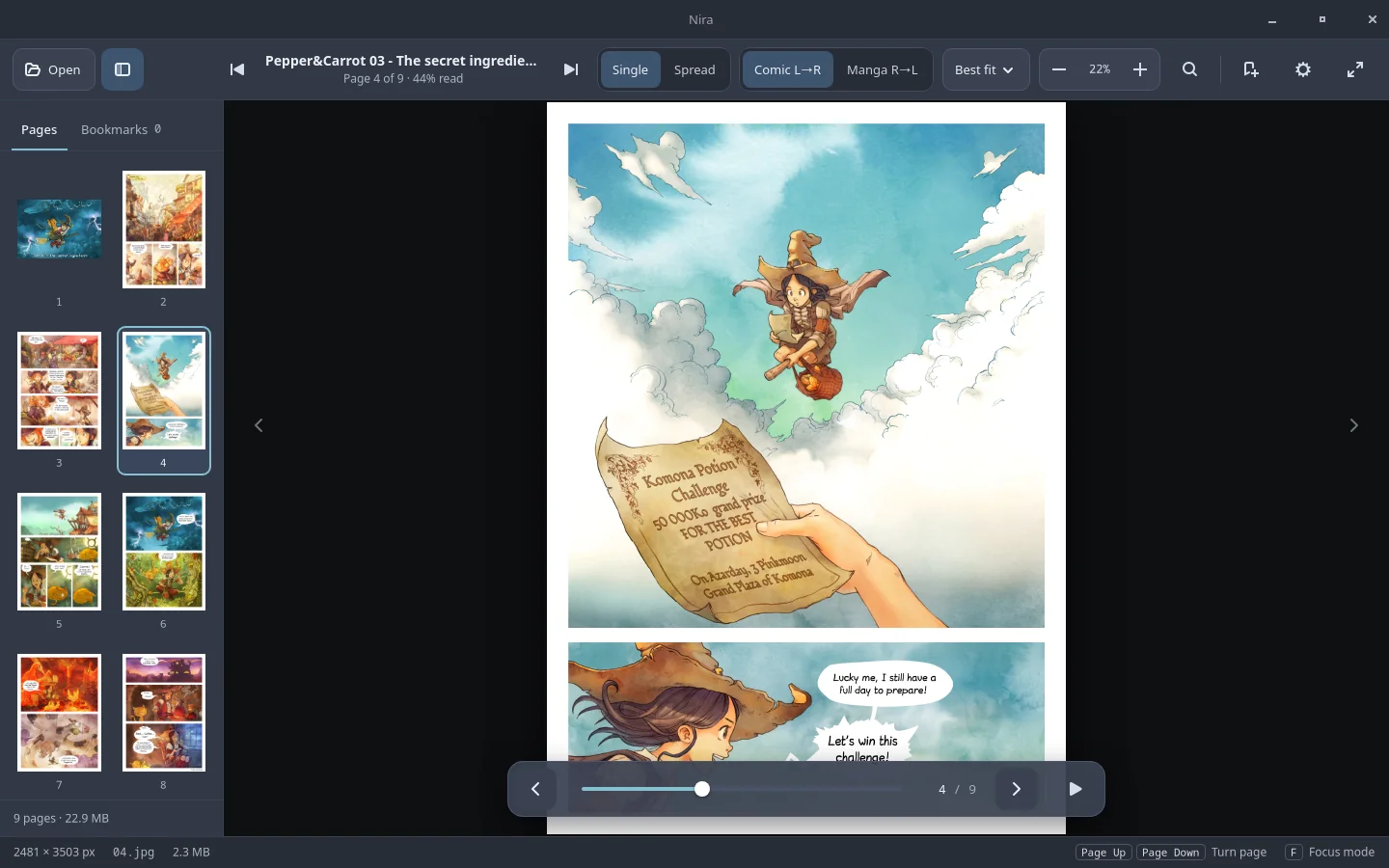
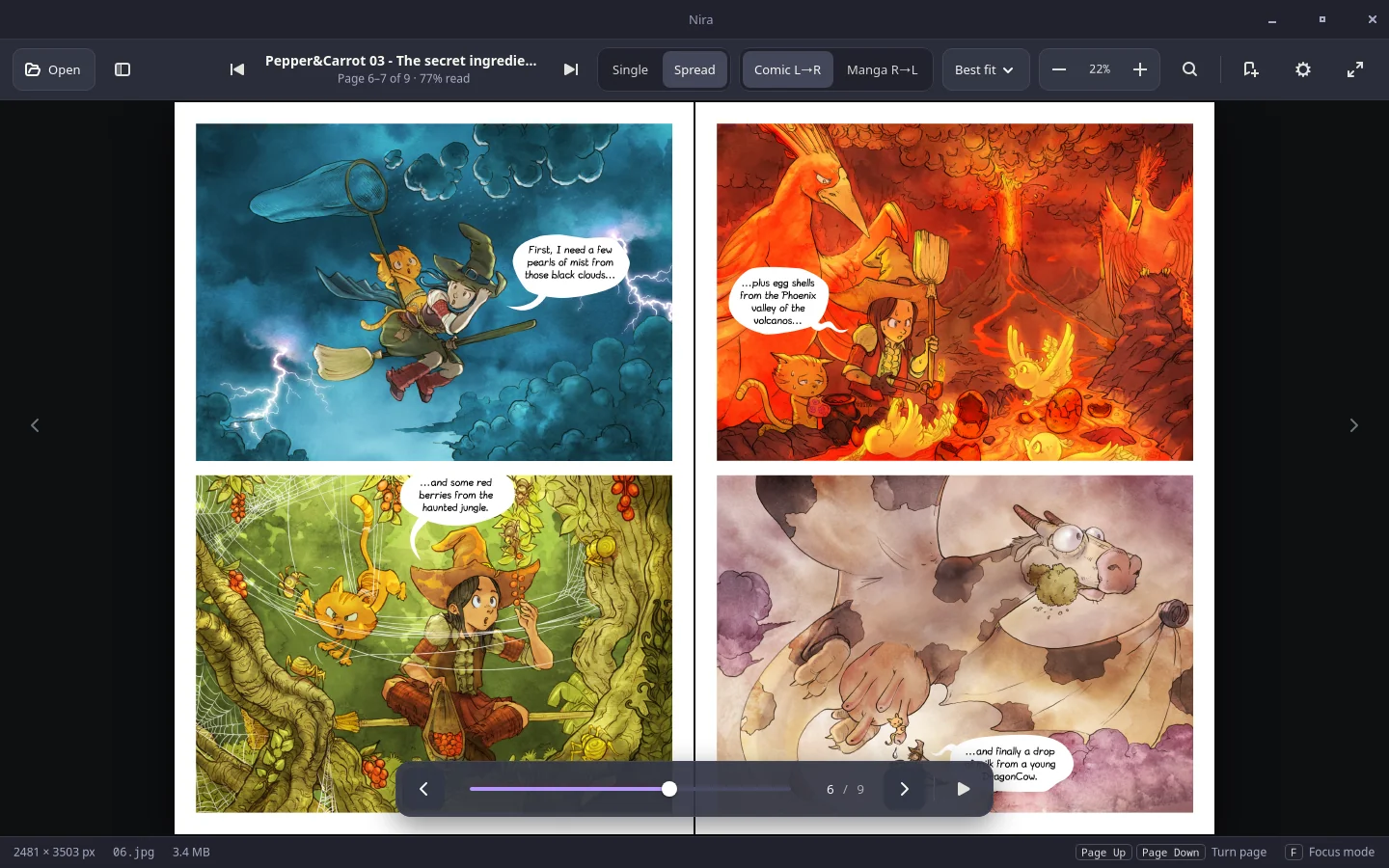
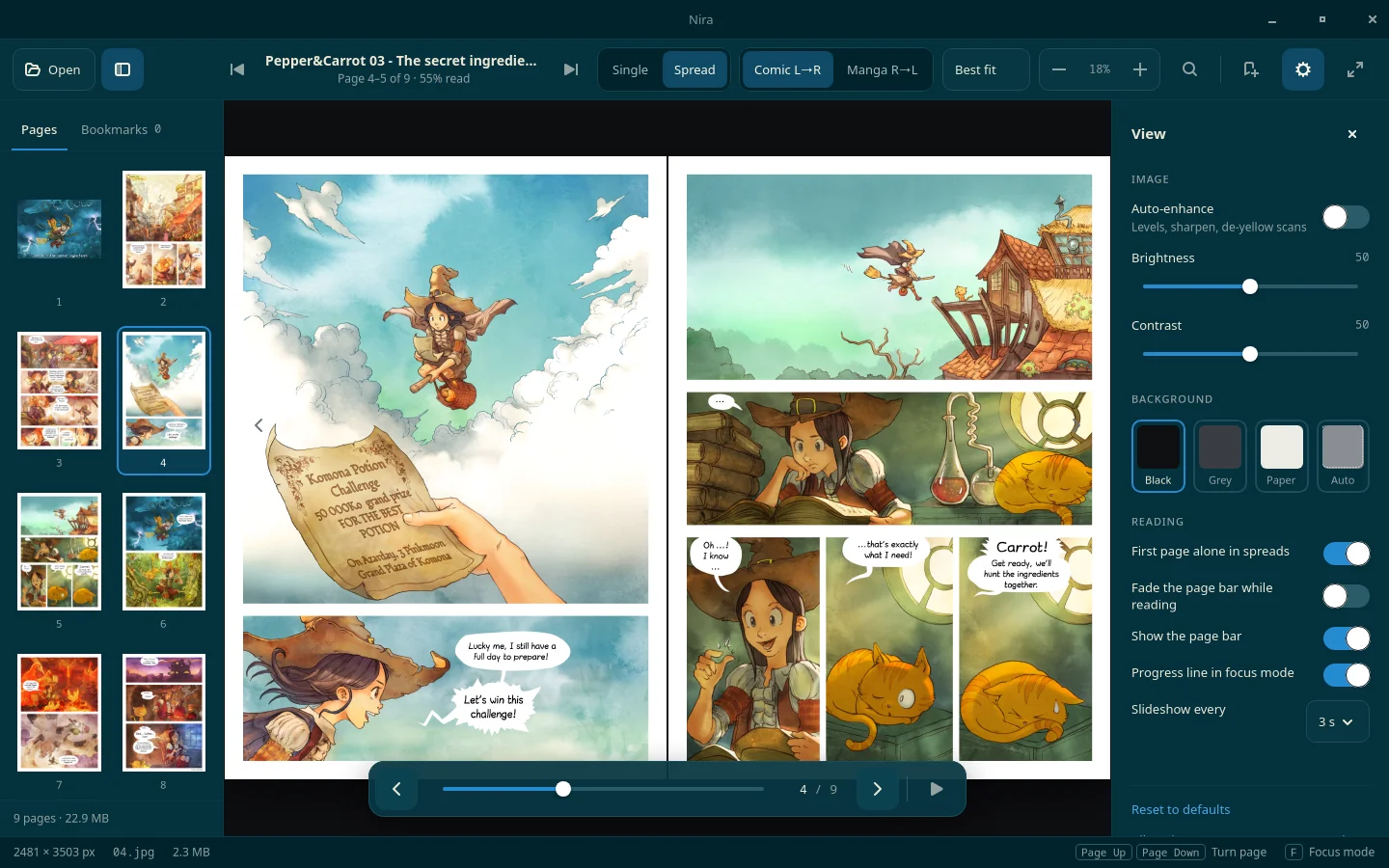
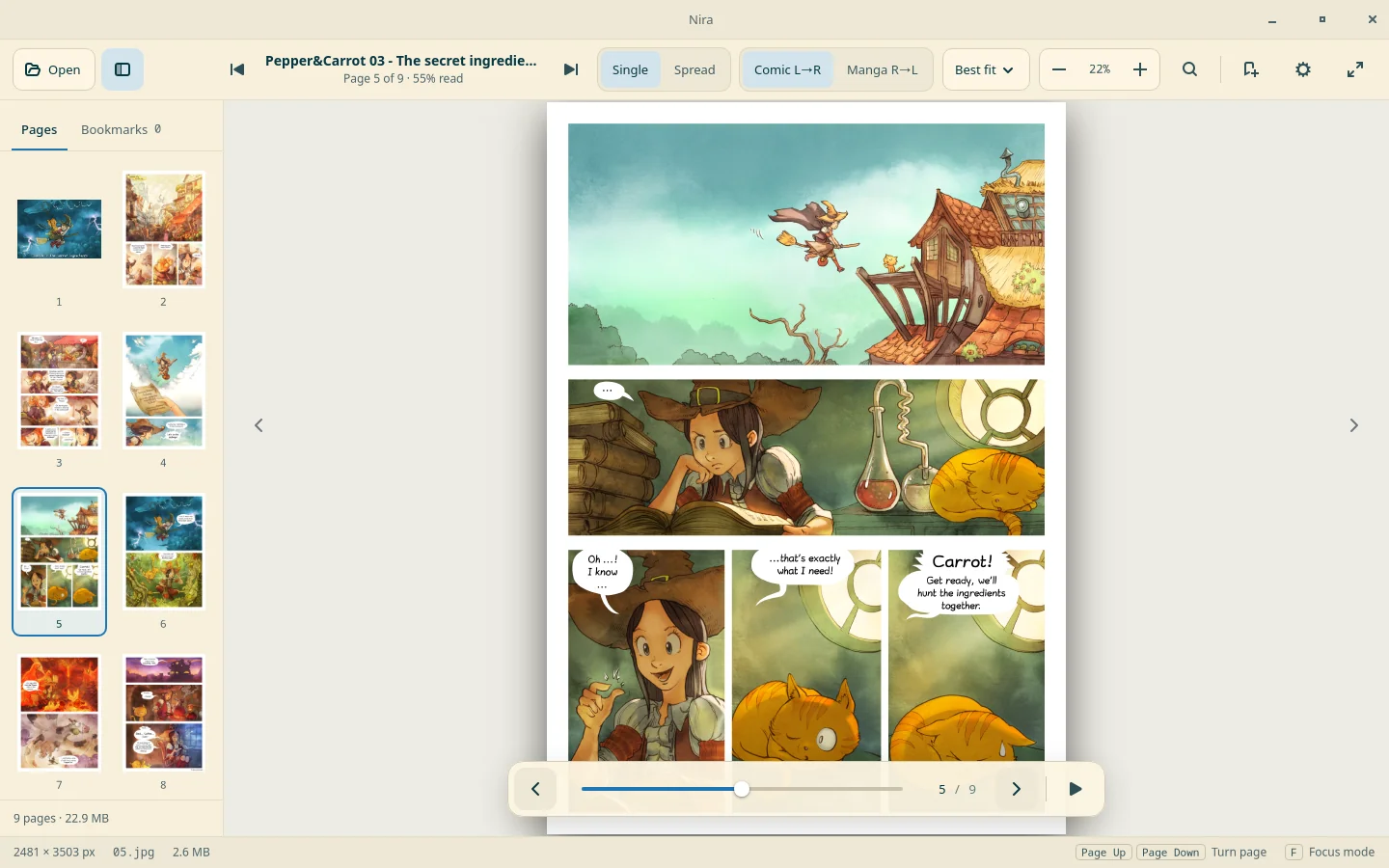
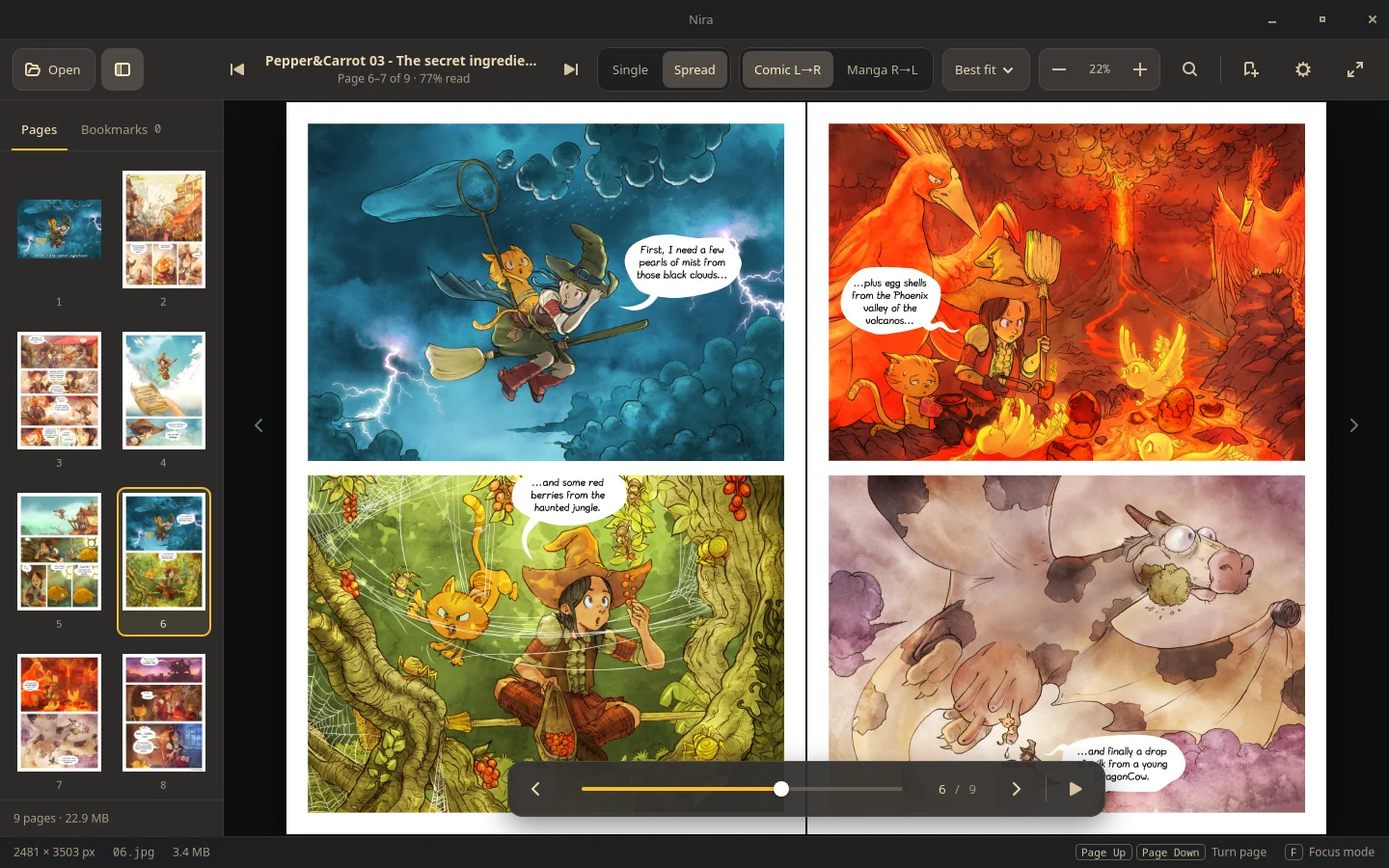
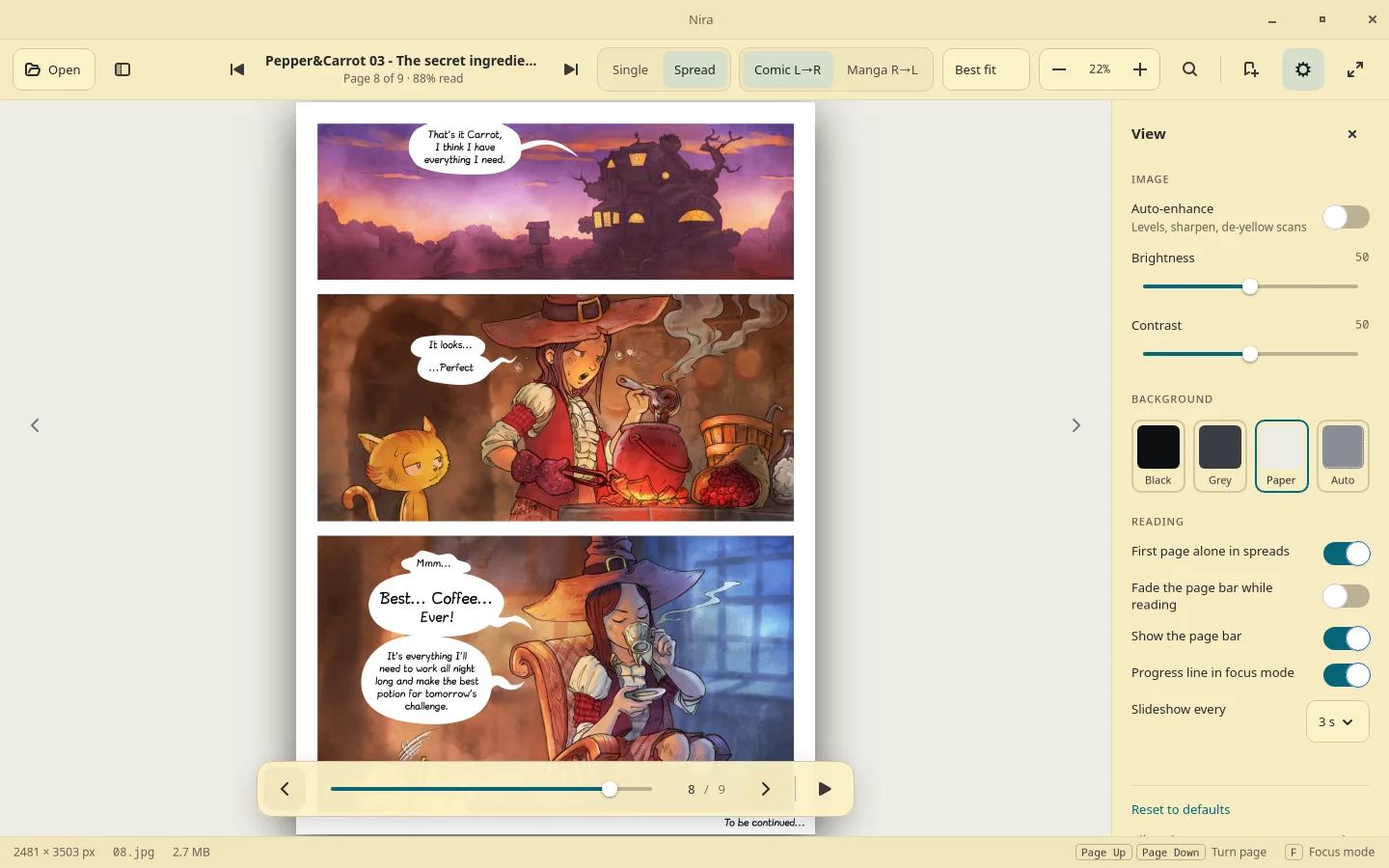
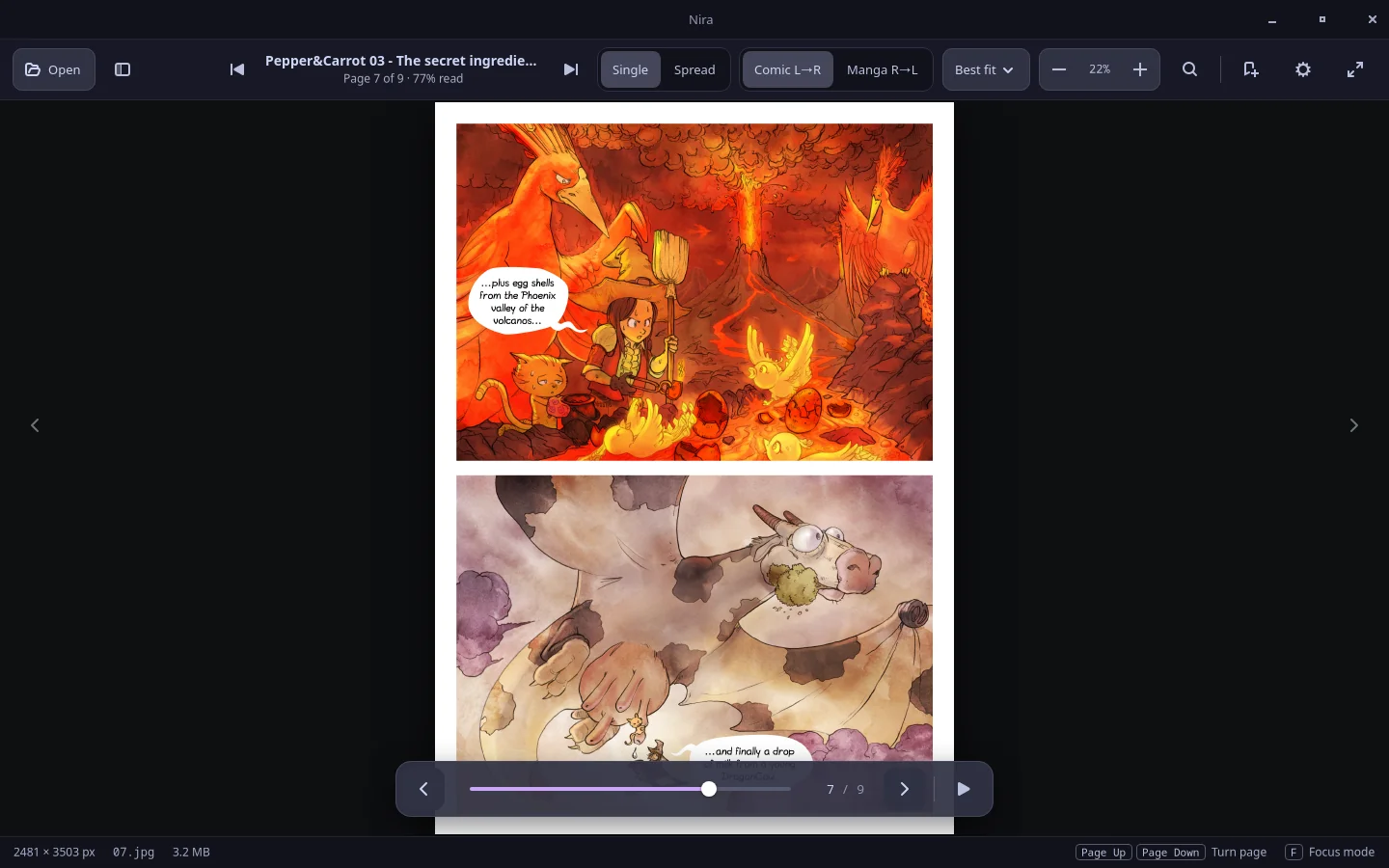
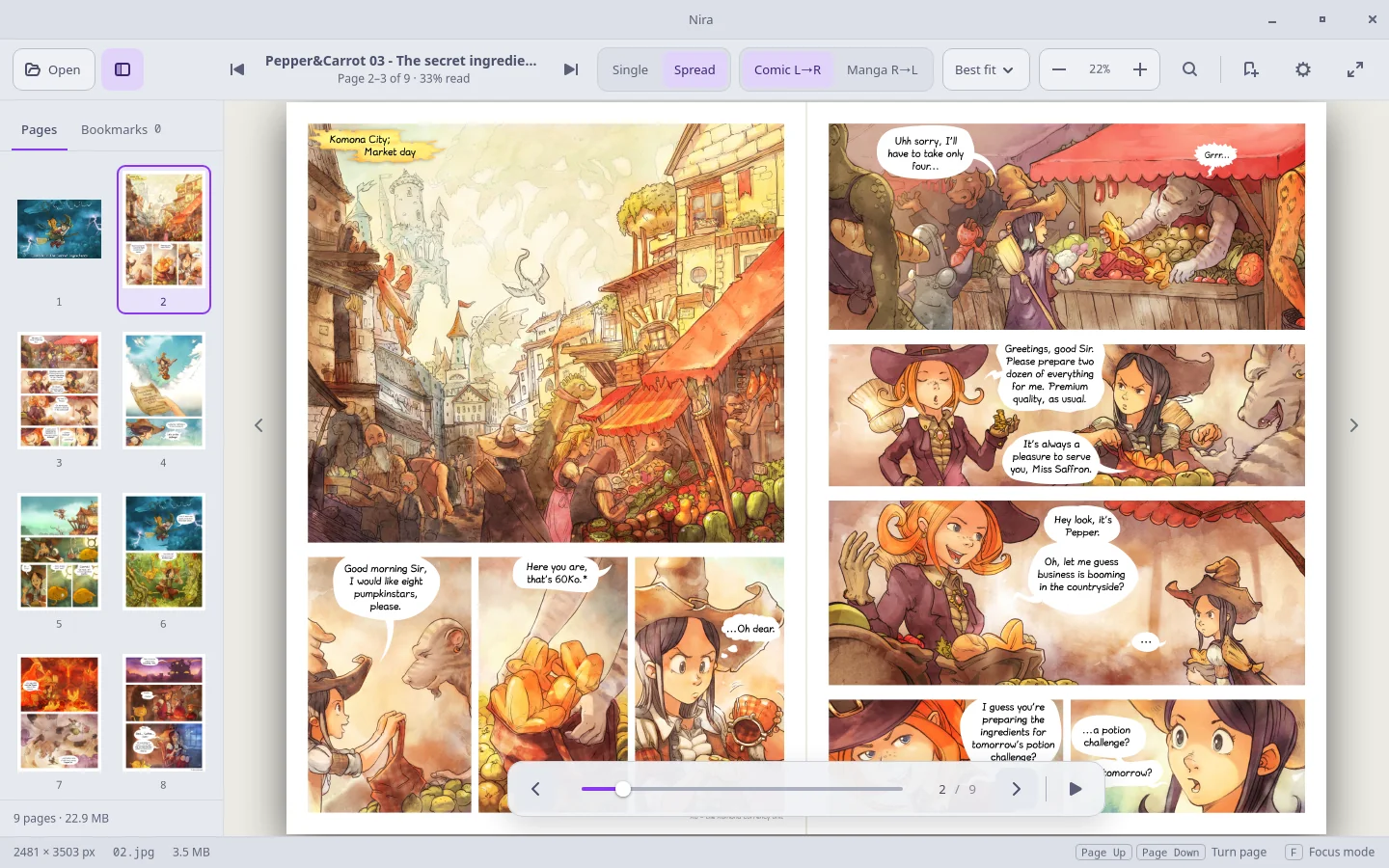
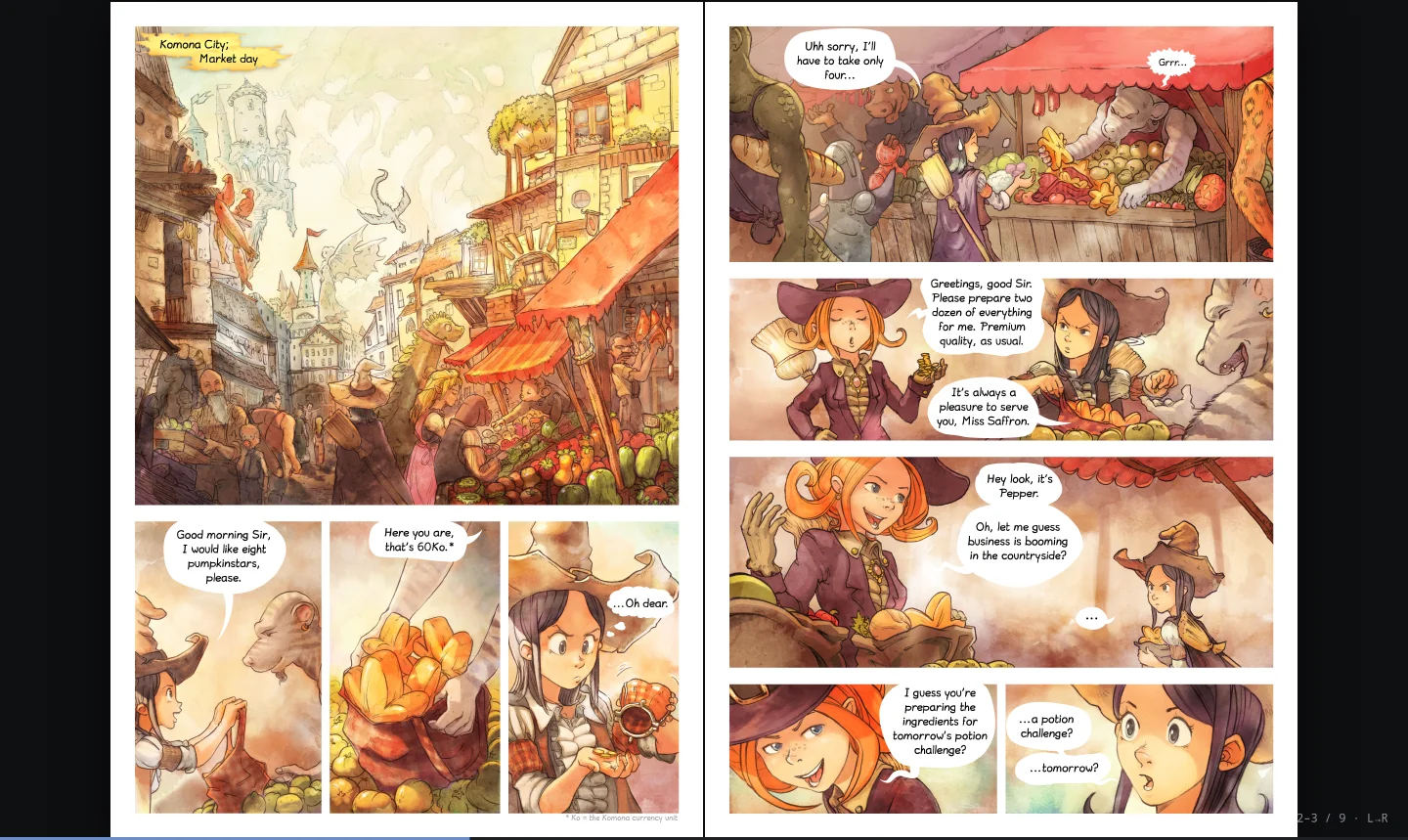
- Single pages or double-page spreads, with a manga mode that reads right to left.
- Fit to the window, width, height or size, or zoom by hand.
- Space scrolls through a page in the order you read it.
- A page sidebar with thumbnails, bookmarks, Go to page and a slideshow.
- Focus mode hides everything but the page.
- A magnifying lens and auto-enhance in the View panel.
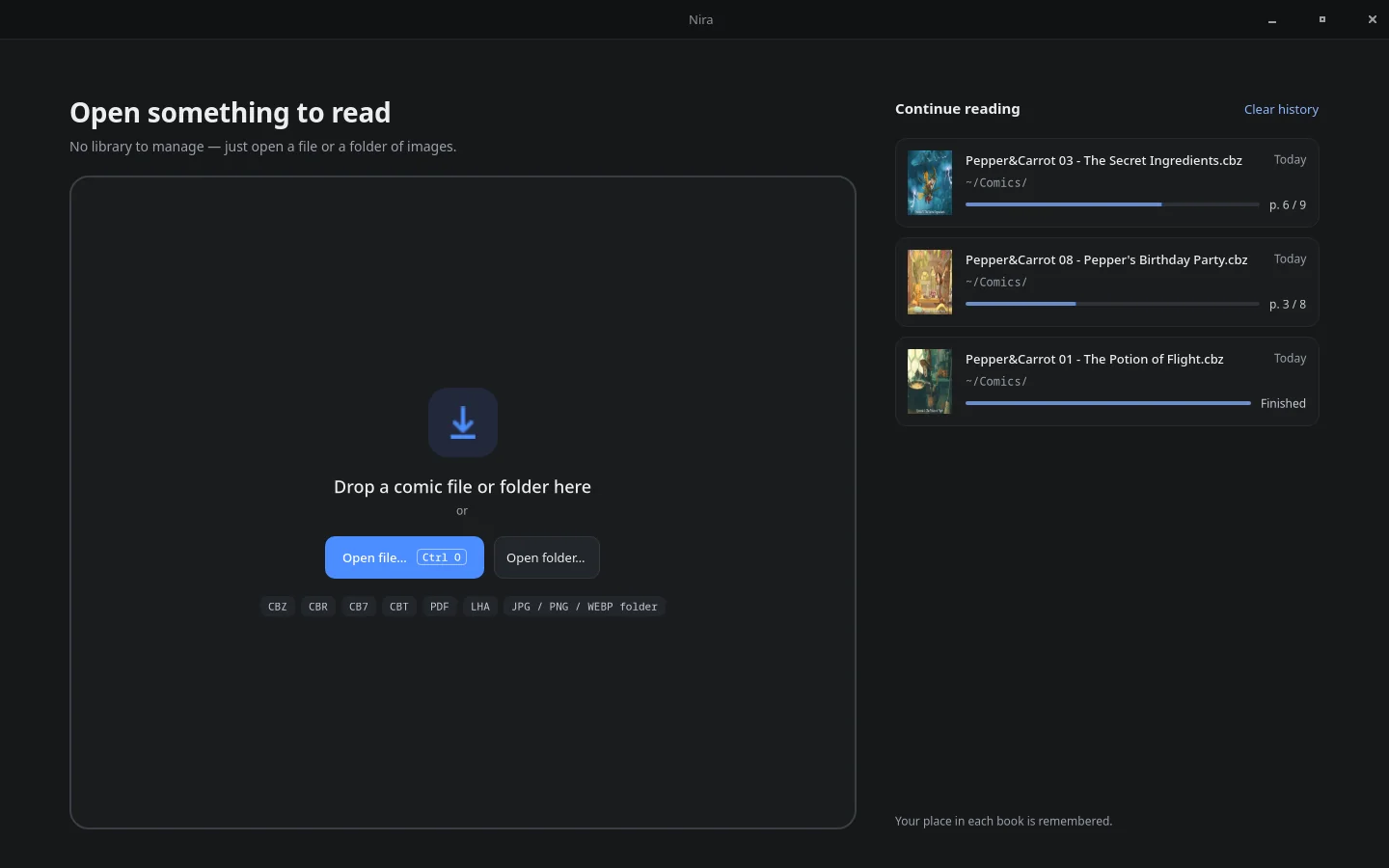
- Every book reopens at the page where you left it.
- Move on to the previous or next book in the same folder.
- Rotate and flip pages that were scanned sideways.
- Every shortcut can be rebound in Preferences.
Start reading, keep reading
Formats
| Archives | ZIP/CBZ, RAR/CBR, 7z/CB7, TAR/CBT (also .tar.gz, .tar.bz2, .tar.xz), LHA/LZH, PDF, and plain folders of images |
|---|---|
| Images | JPEG, PNG, GIF, BMP, WebP, TIFF, ICO, PNM, TGA, QOI and JPEG 2000 |
ZIP, TAR and 7z work out of the box. Some formats use an external tool:
- RAR:
unraror7z - LHA:
7zorlha - PDF:
mutool(from mupdf-tools) - 7z:
7zwhen installed, and a built-in reader otherwise
Linux and Windows
Download a package from the Releases page.
Linux
- Debian / Ubuntu: a
.debpackage. It recommendsunrar,p7zip-fullandmupdf-toolsfor RAR, 7z/LHA and PDF. - Any distribution: an AppImage. Make it executable and run it.
- Tarball: the
nirabinary, a desktop file and icons. Needs GTK 4.12 or newer.
Windows
- Installer: adds Nira to the Start menu and registers it for
.cbz,.cbr,.cbtand.cb7files. - Portable zip: unzip it anywhere and run
nira.exe. It changes nothing in the registry. - The builds are not code-signed, so SmartScreen warns the first time: choose More info, then Run anyway.
- RAR, PDF and LHA need
7z,unrarormutoolon yourPATH.
Each release has a SHA256SUMS file for checking the downloads.